Draw
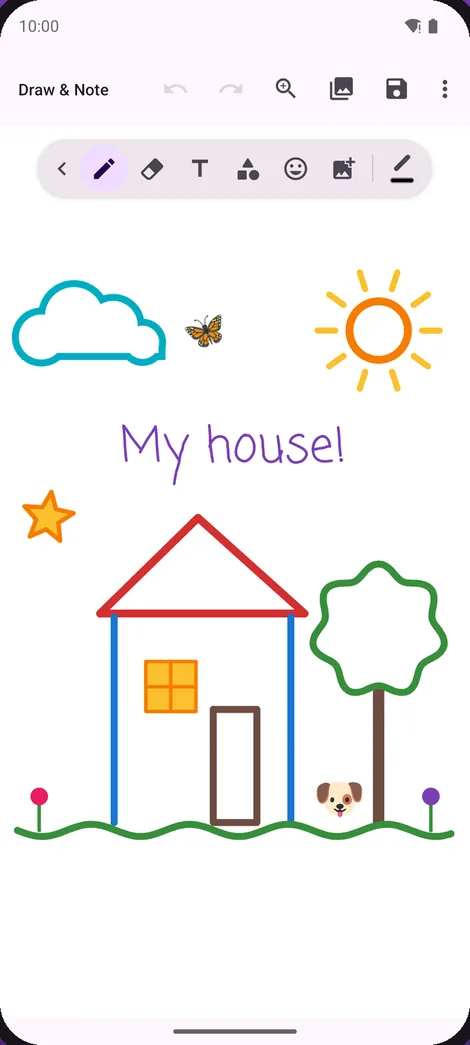
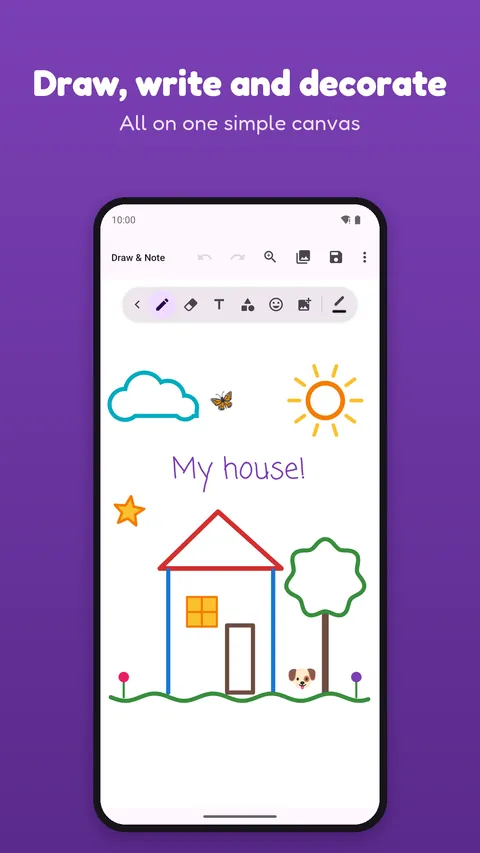
Start from scratch on blank paper, with smooth strokes right from the edge of the screen.
A drawing app and notebook: sketch freehand, draw on photos and take handwritten notes. Open it and start drawing right away.
Free · Android · Contains ads
Google Play data, November 2026
Try it here
Use your finger or mouse. It’s only a small taste of the app.
Nothing you draw here is saved or sent anywhere.
01 · Ways to start
The app asks you this when you open it.
Start from scratch on blank paper, with smooth strokes right from the edge of the screen.
Your photo appears faintly under the canvas, so you can follow its lines.
33 coloring pages, ready to fill in.
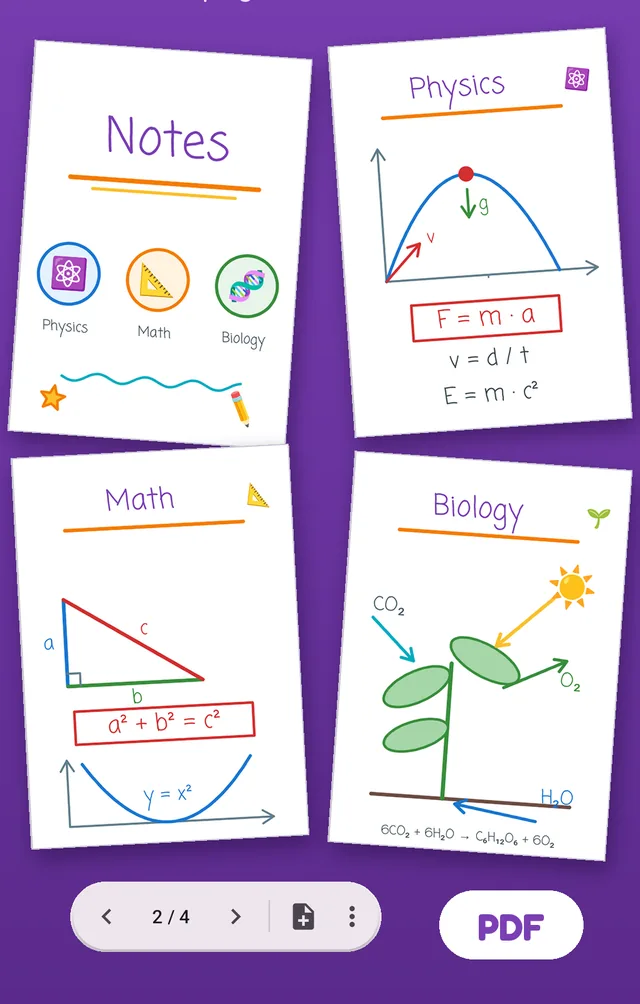
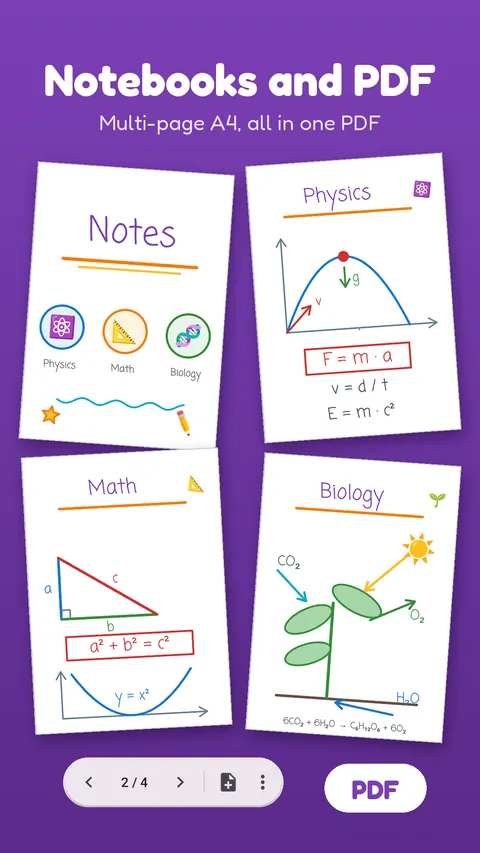
Pages for notes, classes or ideas, all saved together as one PDF.
02 · Editing
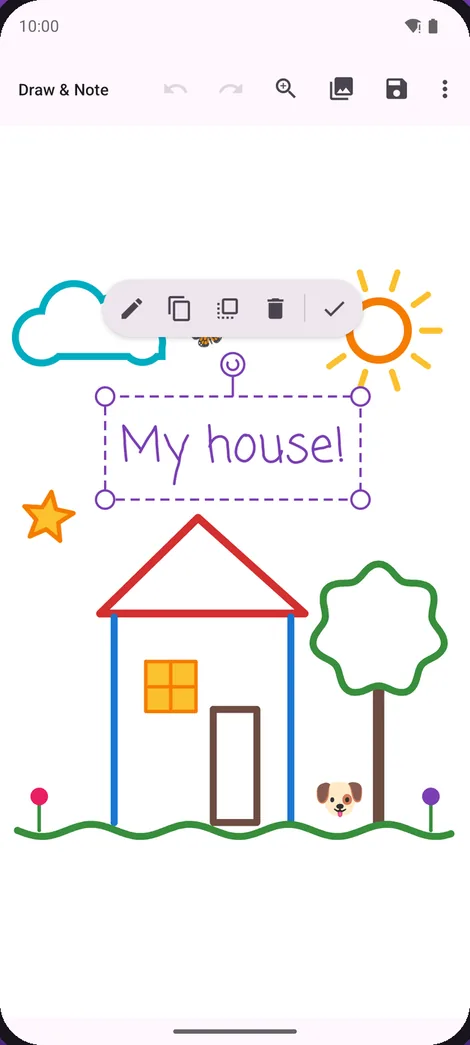
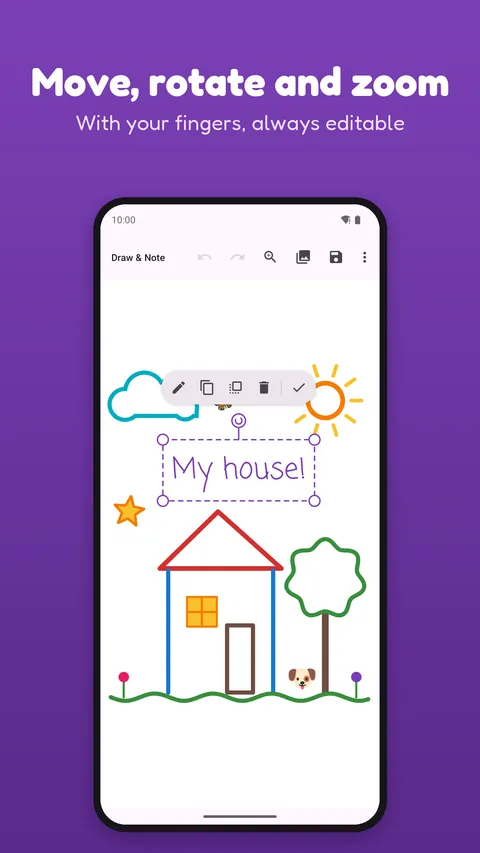
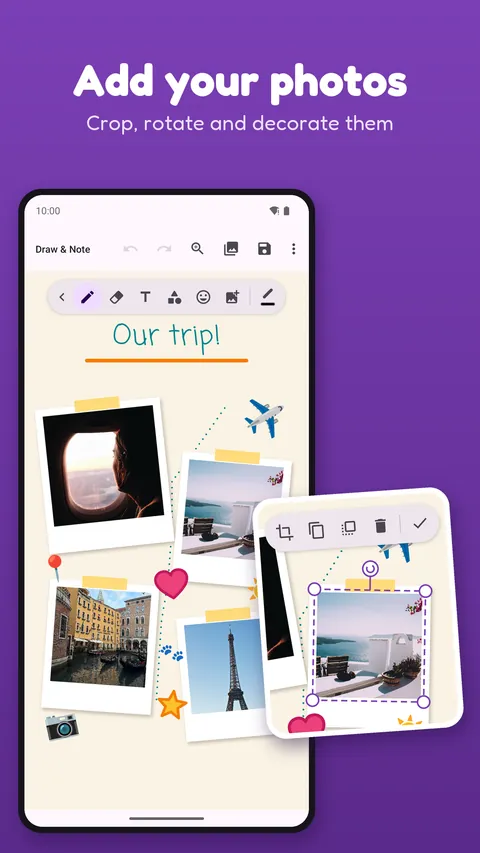
Text, shapes, icons and photos aren’t stuck to your drawing. Come back whenever you want and change them, even after saving.
Select any text, shape, icon or photo.
Move, rotate and resize. Pinch with two fingers to do both at once.
Duplicate, bring to front or delete in one tap, and undo or redo if you change your mind.
03 · Notebooks
Fill several A4 pages with notes and drawings, then export everything to one PDF. It’s useful for classes, plans or anything else you want to keep together.
04 · Tools
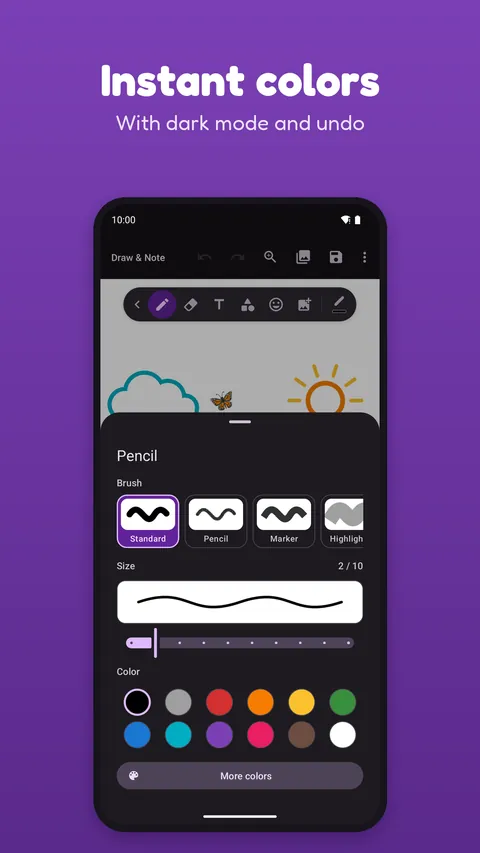
12 quick colors and a color wheel for any shade.
Pencil and eraser, with adjustable size and a live preview.
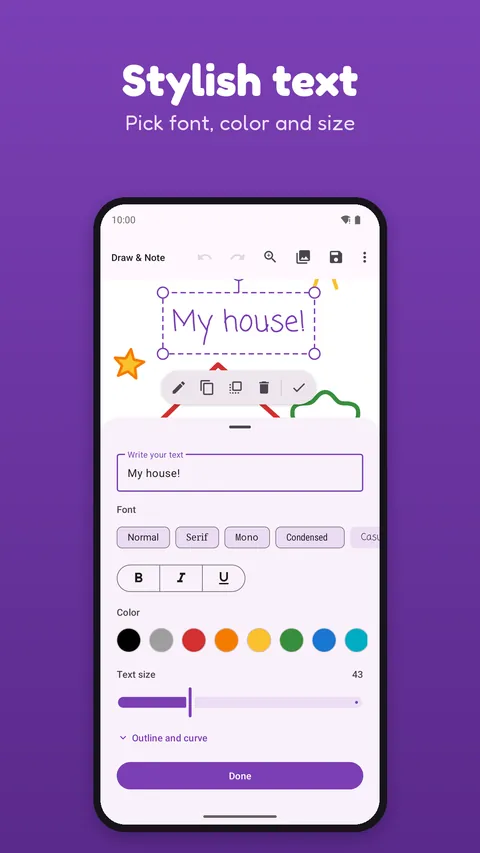
Choose the font, color and size.
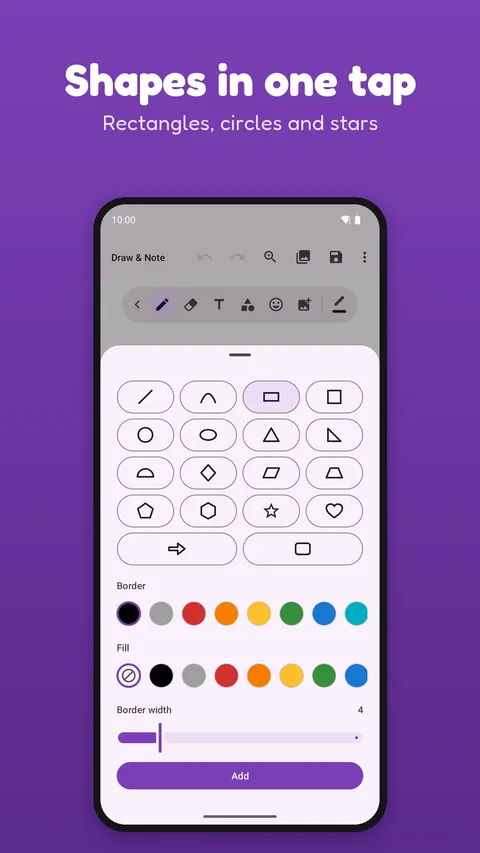
Rectangles, circles, stars and more, with or without fill.
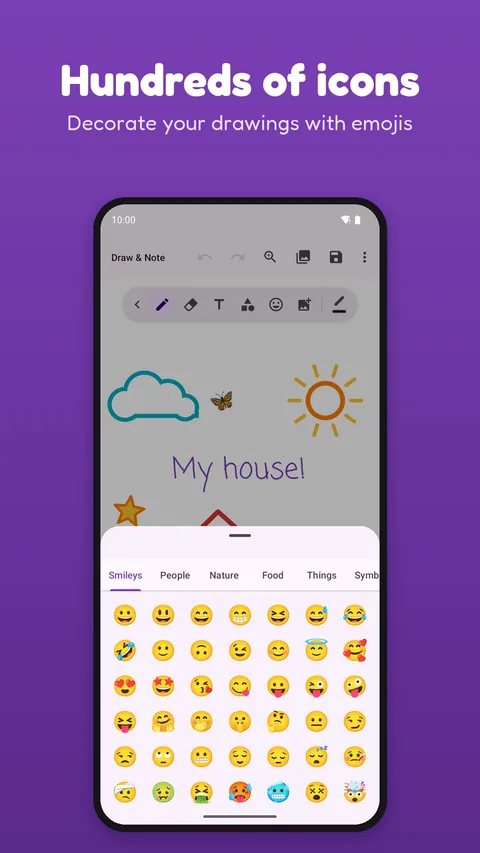
Sorted by category, to decorate your drawings.
Add them, crop them, rotate them and draw on top.
A clean design that’s easy on your eyes at night.
Fold the toolbar to leave the whole screen for your drawing.
It works on both.
Yes. It contains ads. Tracing a photo and notebooks ask you to watch a short ad first, and it’s always your choice.
No. Open the app and start drawing.
On your phone, in the app’s gallery. You can open them again and keep working, or share them with any app.
It’s great for doodling and coloring, but it contains ads and isn’t directed at children under 13, so a parent should decide.
Not yet. Draw & Note is available for Android on Google Play.
Your blank page is one tap away.