Checklists
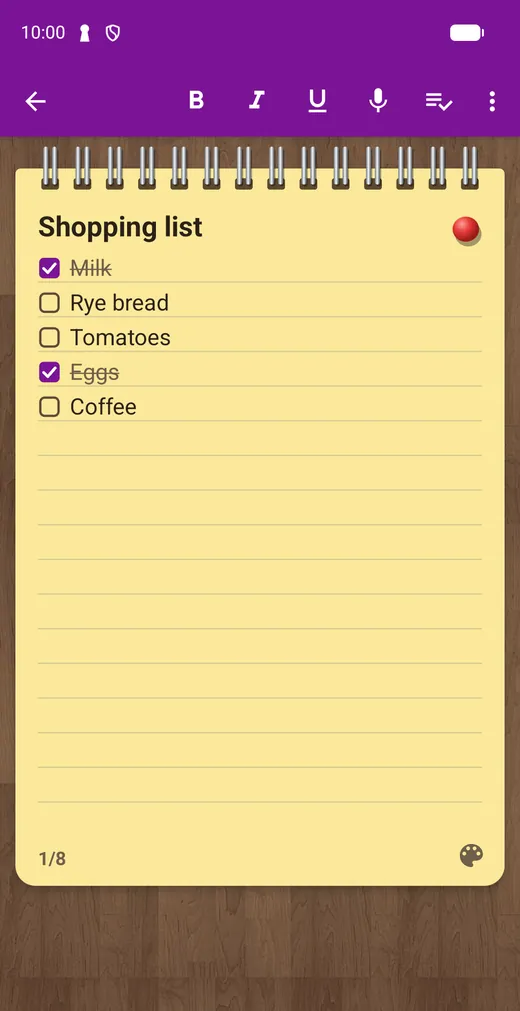
Perfect for shopping and to-dos. Checked items can move to the bottom.
The classic notepad, on your phone. Also known as CreaNota. Open the app, type and you’re done: no accounts and no sign-ups.
Free · Android · Contains ads
Google Play data, November 2026
Try it here
This little notepad works like the one in the app. Check something off and it moves to the bottom.
Shopping list
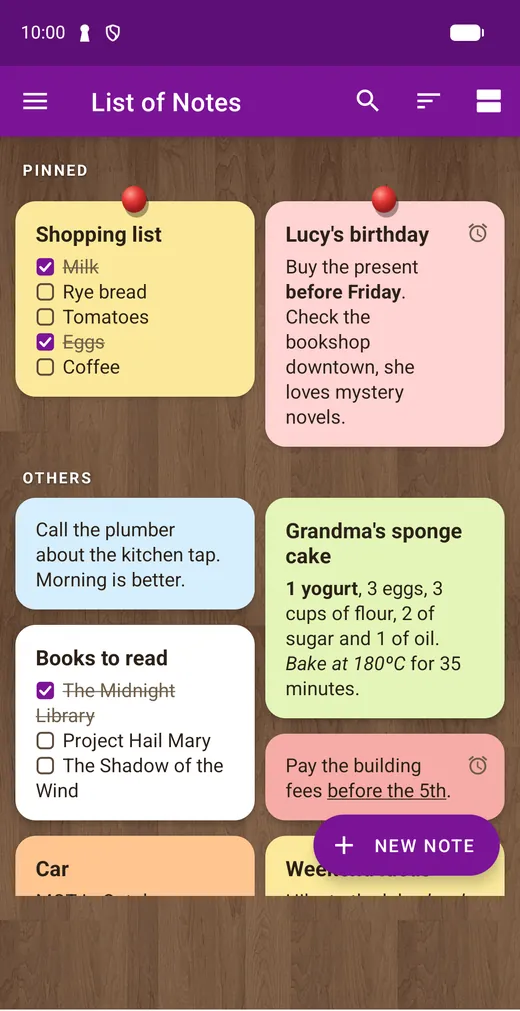
7 colors, so you can find every note at a glance.
Tap the pin at the top. In the app, pinned notes always stay first.
Nothing you type here is saved or sent anywhere. In the app, moving checked items to the bottom is an option in the note’s menu.
01 · How it works
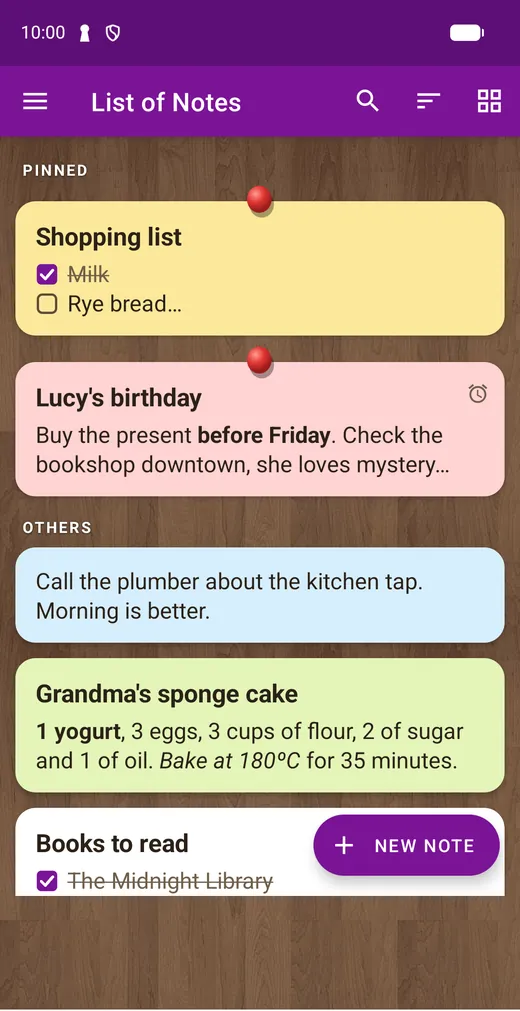
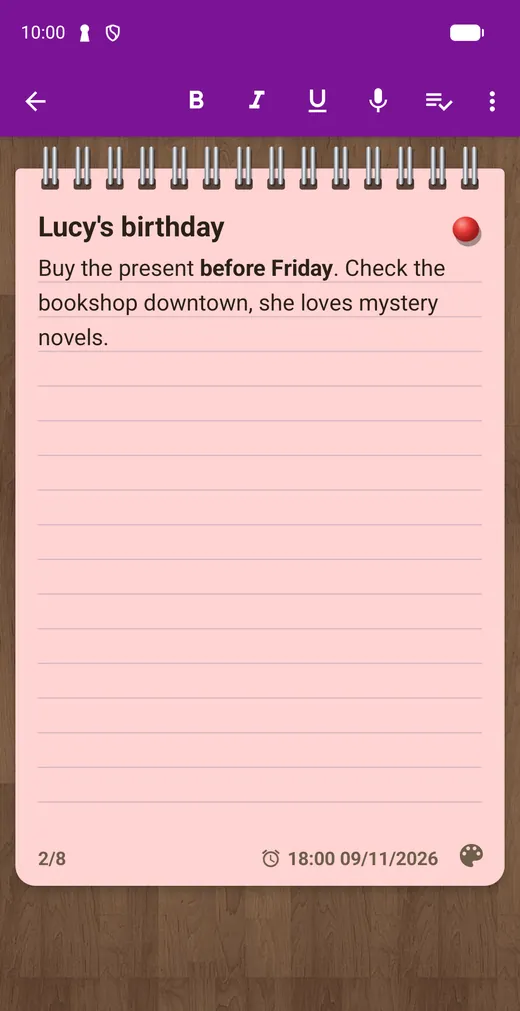
Tap “New note” and start typing. A title is optional, and you can also dictate with your voice.
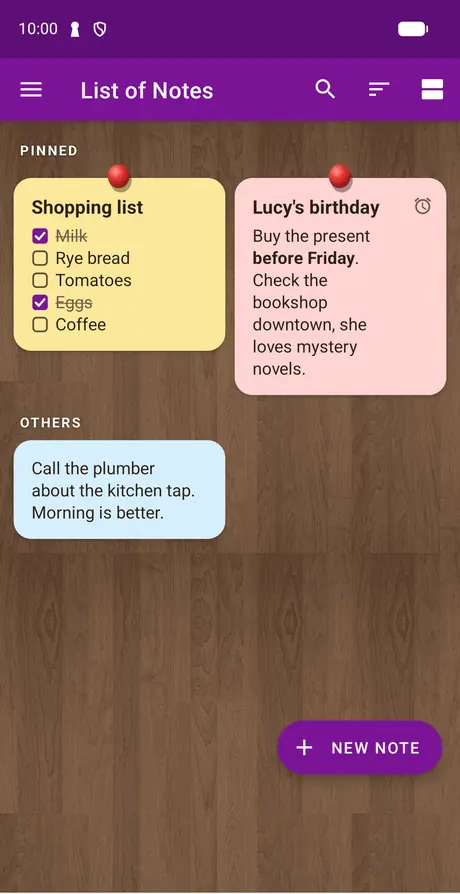
Give each note a color, pin the important ones, and choose a list or a grid.
Add a reminder with a date and time, so the app tells you when it’s time.
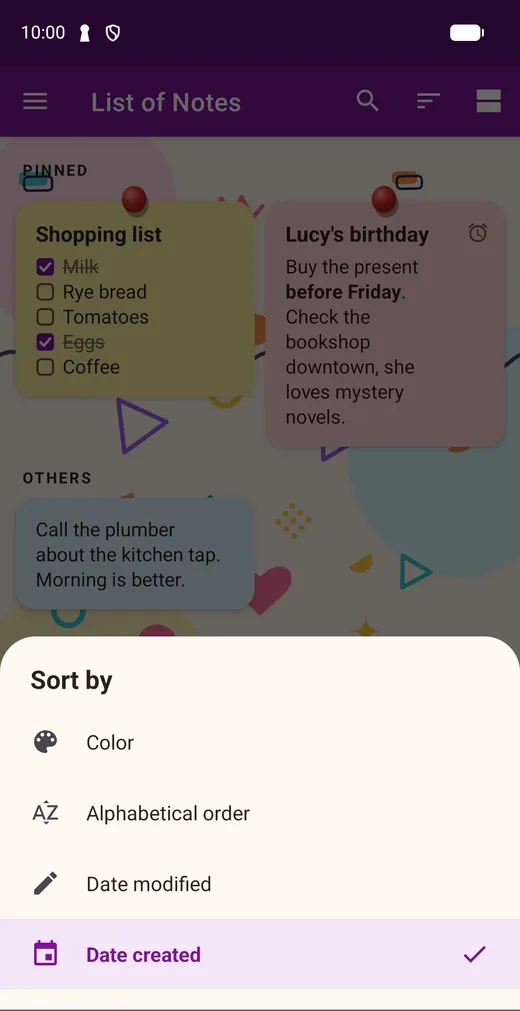
Search in titles and text, or sort by color, date or name.
02 · Backgrounds
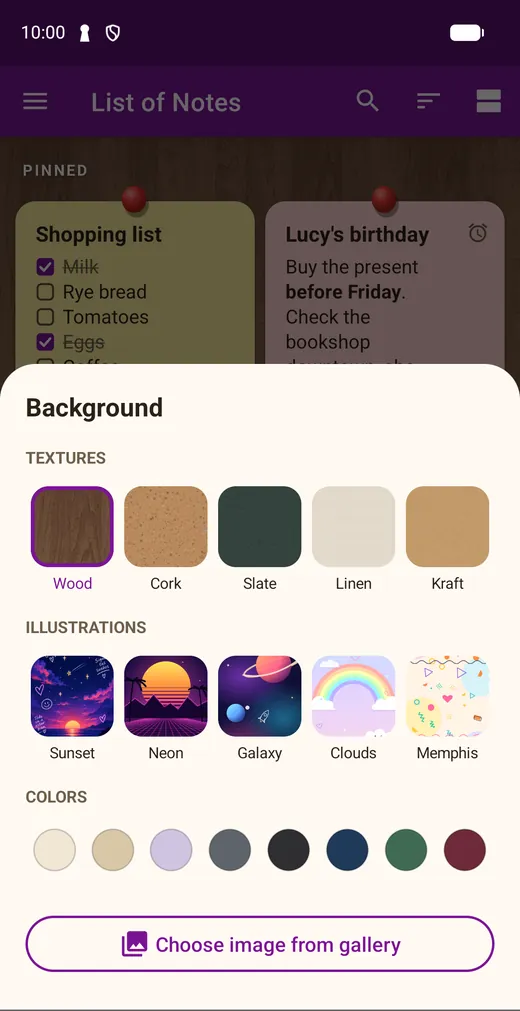
Start on the classic wooden board, or change it whenever you like. Try them:
Textures
Illustrations
You can also use a plain color or your own photo.
03 · Reminders
Set a date, a time and a priority. Reminders ring even after you restart your phone, and you can edit one by tapping its date on the note.
04 · Everything else
Perfect for shopping and to-dos. Checked items can move to the bottom.
Highlight what matters in any note.
Say your note out loud and it’s written for you.
Have your notes read to you.
Turn from one note to the next, like flipping a notepad.
Via WhatsApp, email or any app. PDF after watching a short ad.
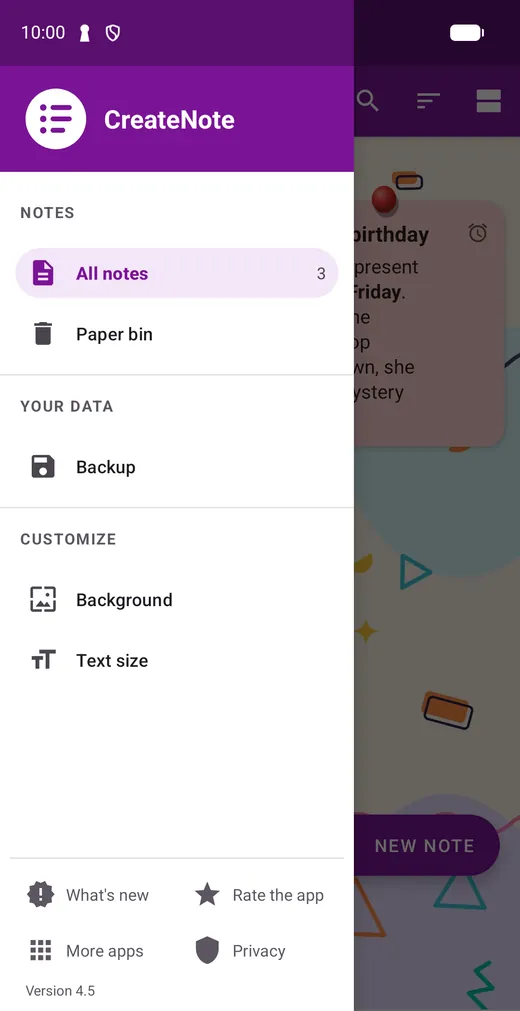
Deleted notes are kept for 60 days, so you can get them back.
Find any note fast, and order the list your way.
Make the letters as big as you need.
05 · Backup
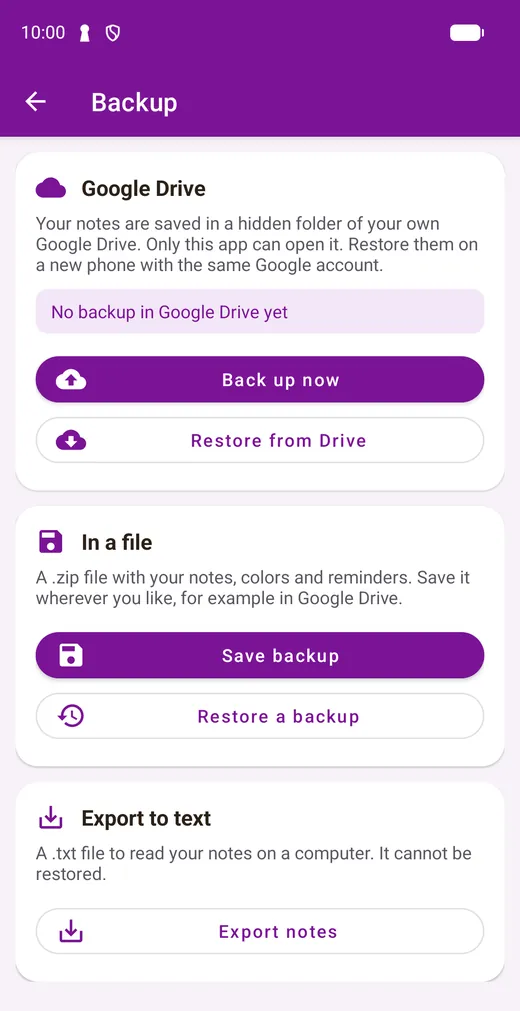
Your notes are stored on your phone. When you want a backup, you decide where it goes. We have no servers that receive your notes.
Yes. It contains ads. Sharing a note as a PDF is available after watching a short ad.
No. You can start writing right away. You only use your Google account if you choose the Google Drive backup.
Yes. Your notes and reminders work offline. Internet is only used for ads and for the Google Drive backup.
On your phone. If you make a backup, it goes to the place you choose: your own Google Drive or a file.
Back them up from Menu › Backup, to Google Drive or a file. Then install the app on the new phone and restore them from the same screen.
It goes to the paper bin, where it’s kept for 60 days.
Not yet. CreateNote is available for Android on Google Play.

Your first note is one tap away.